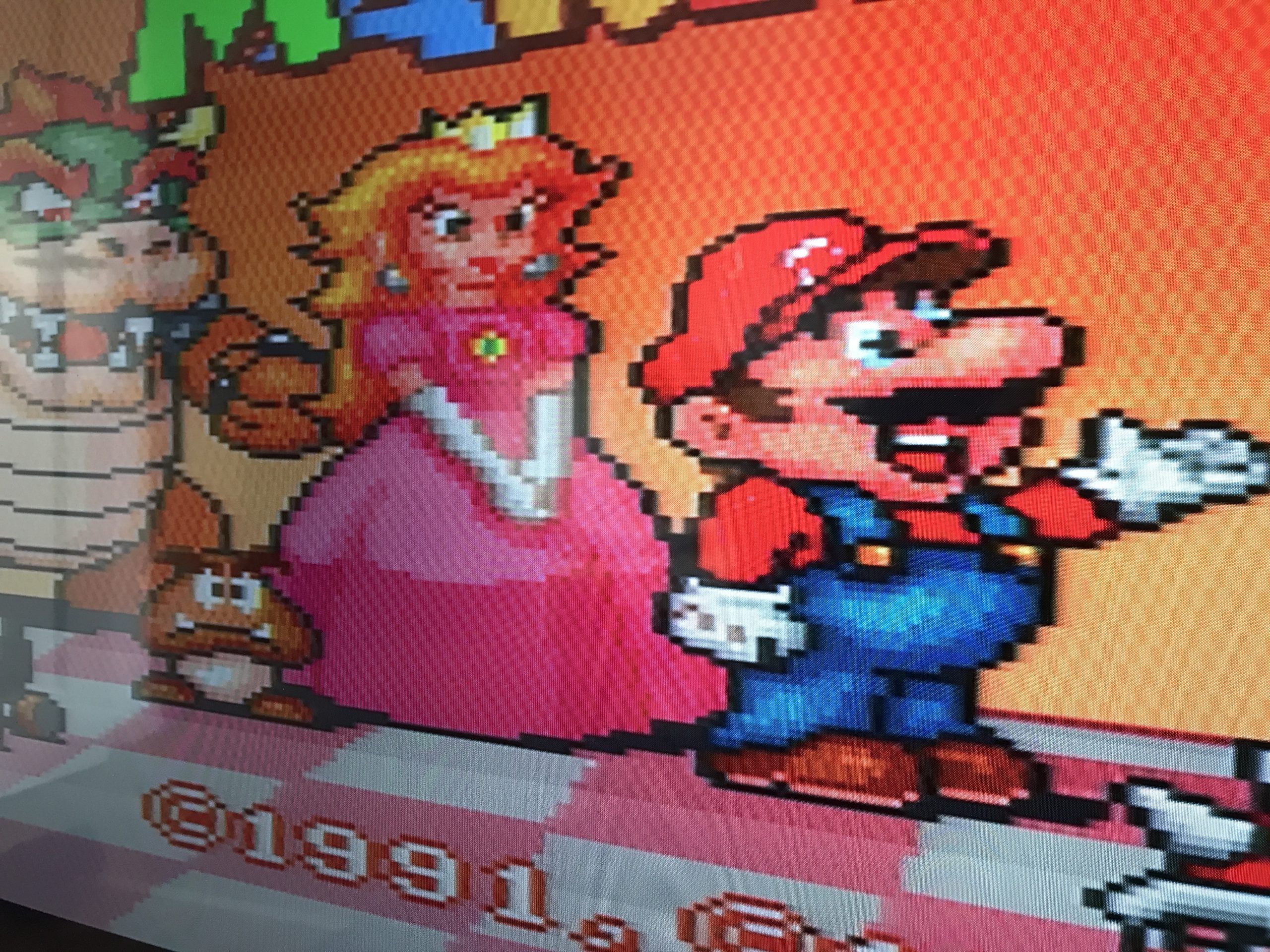
Last year I wanted to move my gameconsoles to the living room. When I bought the TV 2 years ago I made sure it could connect with Composite and Component signal. The problem is that my brand new 4K TV does not support resolutions below 480i. At least not according to the manual.
I already knew my Sega MegaDrive video signal looked sharpest when used with a proper RGB cable. I’ve used it with an old monitor that had a SCART input. My new 4K TV doesn’t have SCART input but it does accept a Component signal. So I started searching for the cheapest option to convert RGB SCART to Component. You might ask why I didn’t go for a cheap SCART to HDMI option, well they lag! and on top of that a modern TV already adds some lag by upscaling the input signal. Be sure to set your TV image to “gaming mode” to reduce the lag as much as possible. Converting your old consoles video signal is a freaking wormhole! After hours of reading and searching I stumbled on a project on GitHub by a user called “dekkit”.
So I downloaded the PCB (version 3) and ordered pcb’s from JLCPCB. They offer an excellent service and I received the pcb’s within a week!
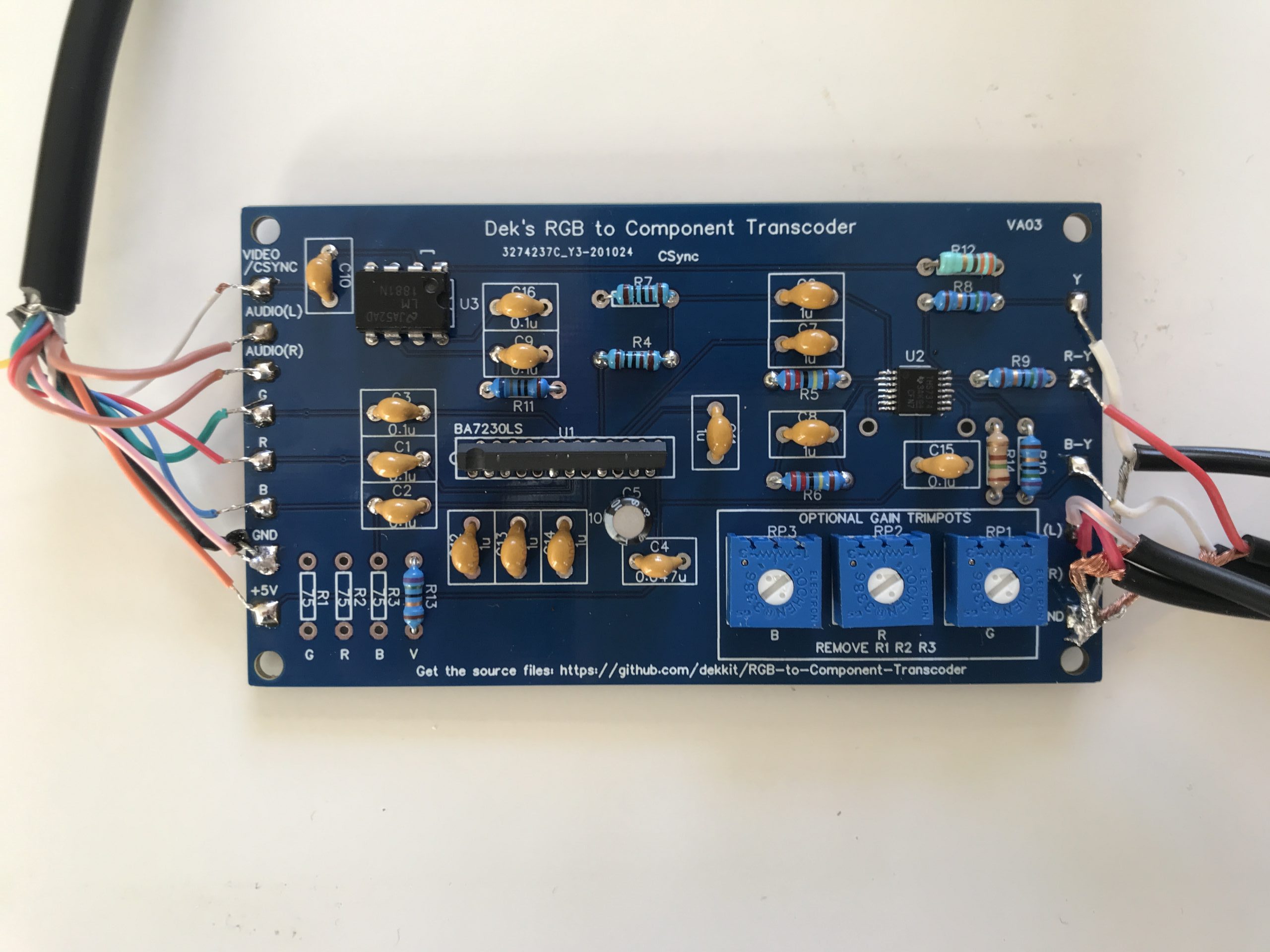
Then I had to find all the parts, some parts are becoming hard to find, so as usual I ordered some extra’s. The transcoder board is build around a BA7230LS (NTSC color TV signal encoder) a LM1881 (video sync separator) and finally a THS7374 (component and composite video Amplifier). In the picture below the 5volts the boards needs to operate is provided by the SCART connection. Although the power draw is minimal you should probably better use a separate power supply. Some SCART cables also provide other voltages, for instance the SNES provides 5volts and 12volts, so be sure to double check!
Anyway, here is a picture of the build;
The manual of my TV stated it only supported resolutions of 480i and up but the MegaDrive outputs 240p. It turns out there are quite a few TV’s that interpret a 240p signal as 480i. This is a gamble though, other TV’s will give a “No Signal” error….
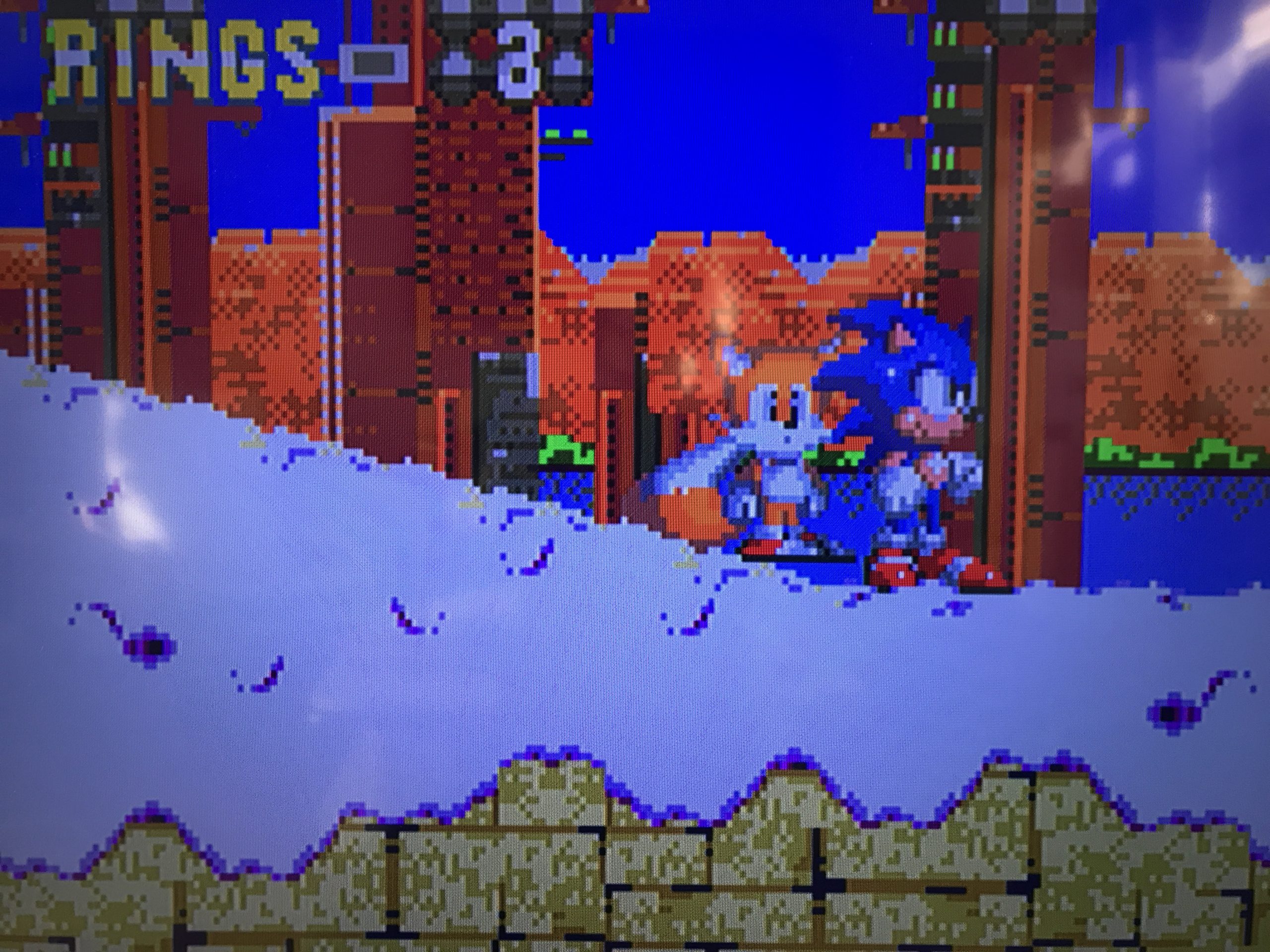
The above image shows the first result. I think it looks decent but the colors are a bit off. So I used the potentiometers to finetune the Red, Green and Blue values.
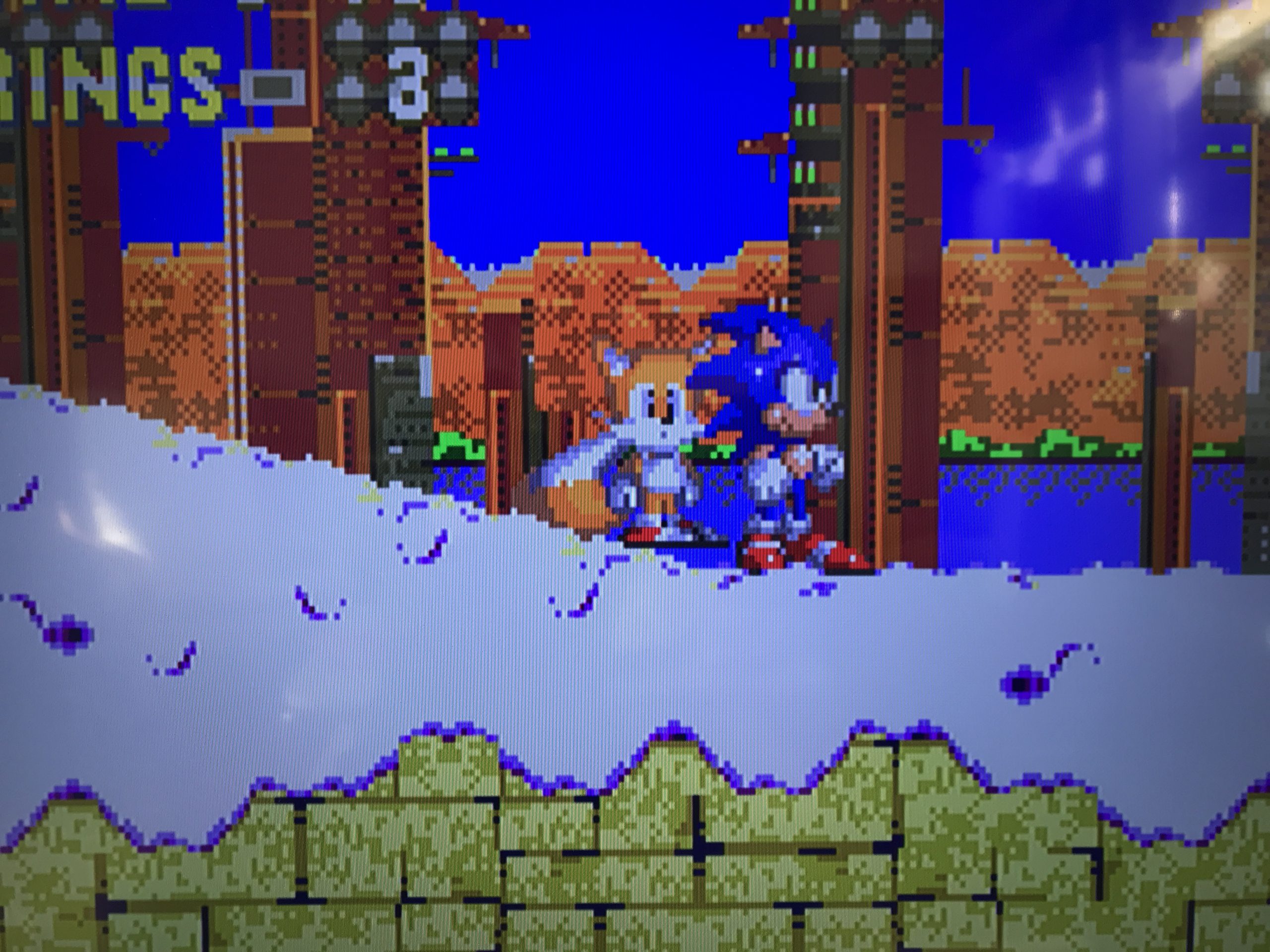
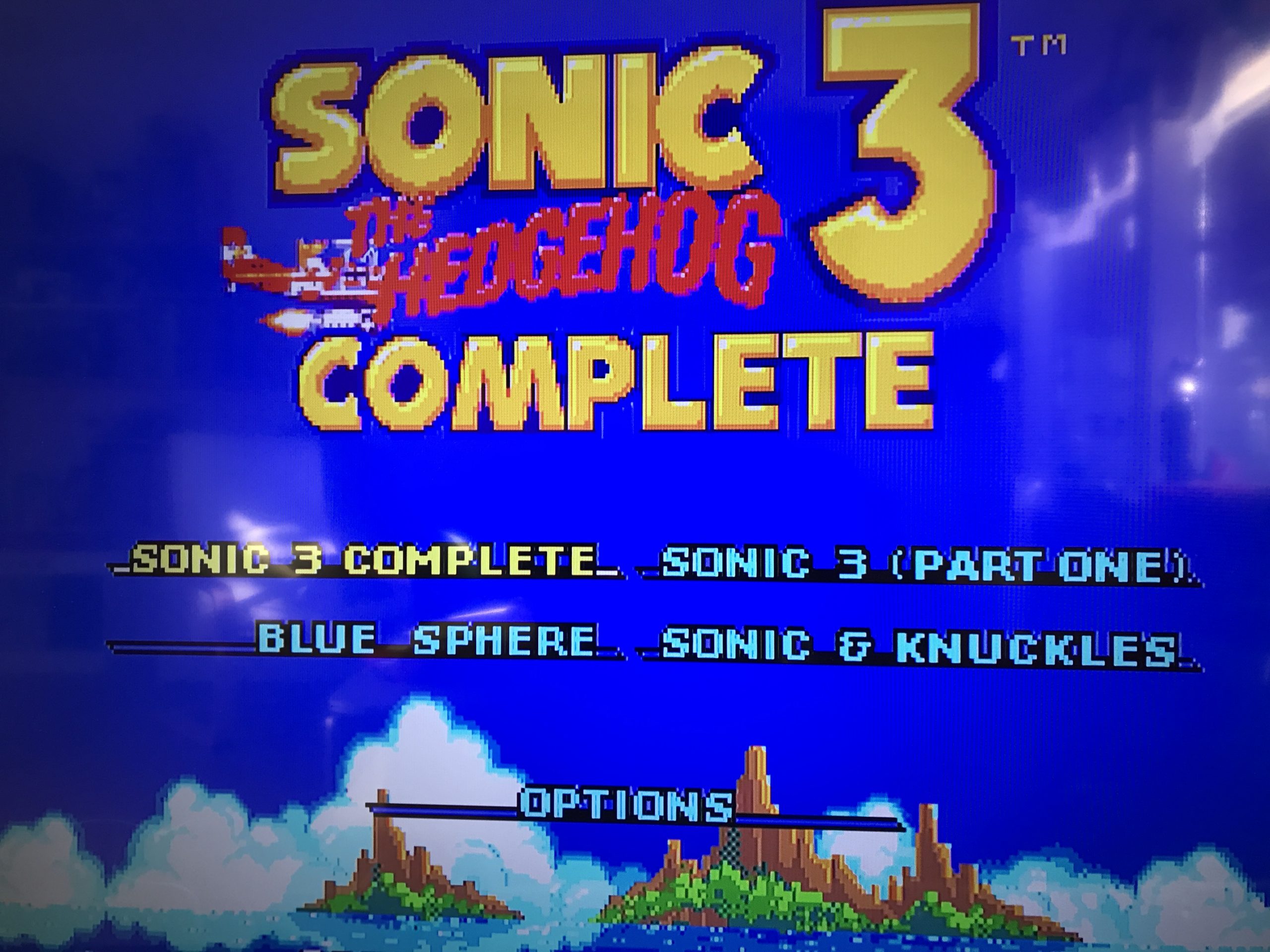
Looks pretty good I think 🙂 It’s not perfect but considering the cost it’s good! So how much? Well you will probably have to order duplicate parts which can add to the cost significantly but if you could make just one it will set you back less then 15 euro’s!
If you want to DIY a cheap solution this is a fun project to do. Be aware you should be able to solder small parts, the THS7374 is TTSOP-14 package so very small pins. I do have some PCB’s and parts left if you are interested in buying just leave me a comment.
There are ways to get an even better video quality and convert to HDMI. If you are willing to just spend slightly more (around 40euro’s) and build/mod yourself a GBS 8200 Control. Anyway 🍻 and happy gaming.